For pickup-point owners and managers
Pickup-point software: intake, storage cells and handover
Enter a tracking number, find the parcel and verify it before handover. Intake, storage cell and the parcel’s event log stay in one workspace; reconcile cash on delivery separately from the point’s own revenue.
Subscription follows your account plan; devices, labels, card acquiring and notifications are separate.
No card to register. Choose Pickup point and prepare your carrier and storage cells.
On .ru, recipient notifications use email, not SMS. Test counter payments separately; all-carrier integrations and partial handover are not offered.
- Find parcels by tracking number or phone
- Storage cell and status in the parcel record
- A verification step before handover

Does this fit your pickup point?
A good fit when
- You need your own parcel records: intake, cells, search by track or phone and whole-parcel handover
- COD must be reconciled separately from shop revenue
Check separately
- Carrier integrations: there is no ready connection to every carrier — start with a manifest file or scan
- No partial handover or partial return: parcels are processed whole
- parcel lookup
- Track
- physical location
- Cell
- verification
- Recipient
- transit funds
- COD
How your team works
Intake
- Check tracking numbers in the received batch by scanning or using an imported manifest
- Batch reconciliation
- Storage cell and deadline
What you need to start
Carrier rules
Manifest, deadlines, verification and compensation. Registration does not create a carrier contract.
Labelled storage
Match the rack, shelf and cell map to physical locations.
Staff device
Browser, internet and keyboard-mode scanner. Test label printing separately.
Taking payment
Prepare COD collection; terminals, POS and country-specific receipts connect separately.
Your first workflow
- 1
Configure the point
Carrier, storage deadline, recipient checks and rack/cell map.
- 2
Receive one parcel
Scan or enter the track; review carrier, recipient, amount and cell.
- 3
Test handover
Find the parcel, verify the recipient and scan it. Complete COD payment before issuing.
Try your own example
Product steps, not testimonials or promised results.
Parcels in storage
View full size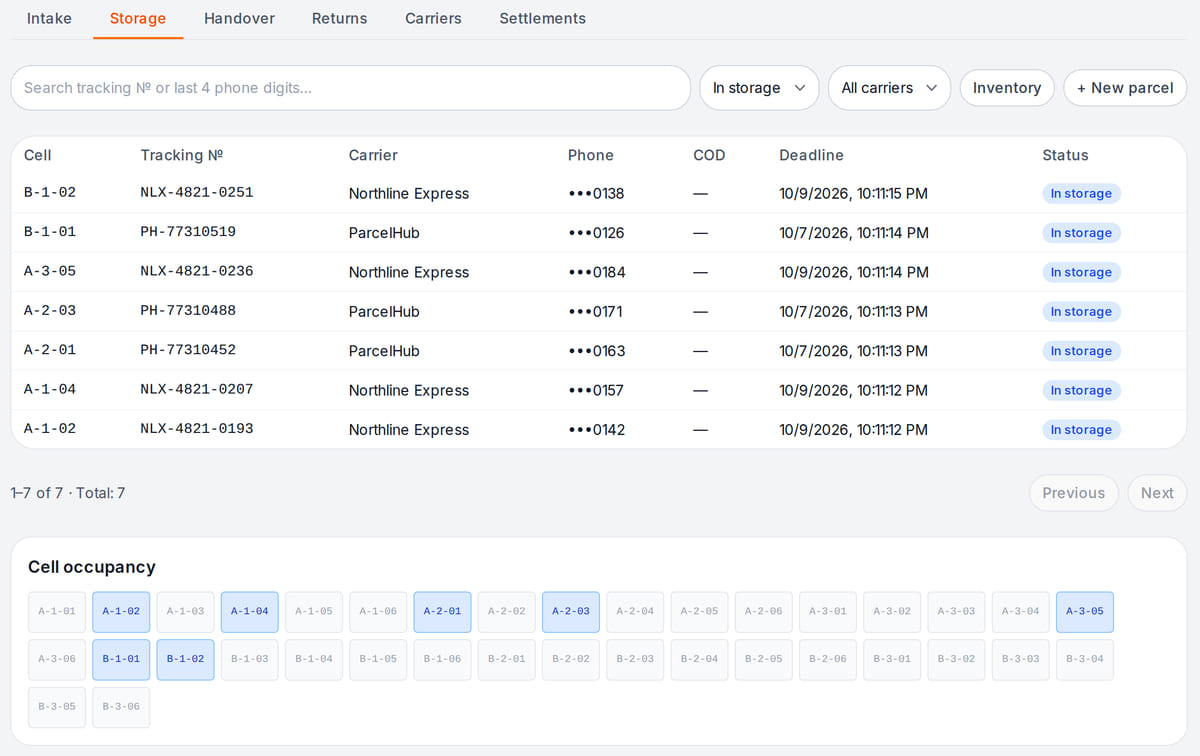
Every parcel sits in its own cell with a storage deadline Parcel handover
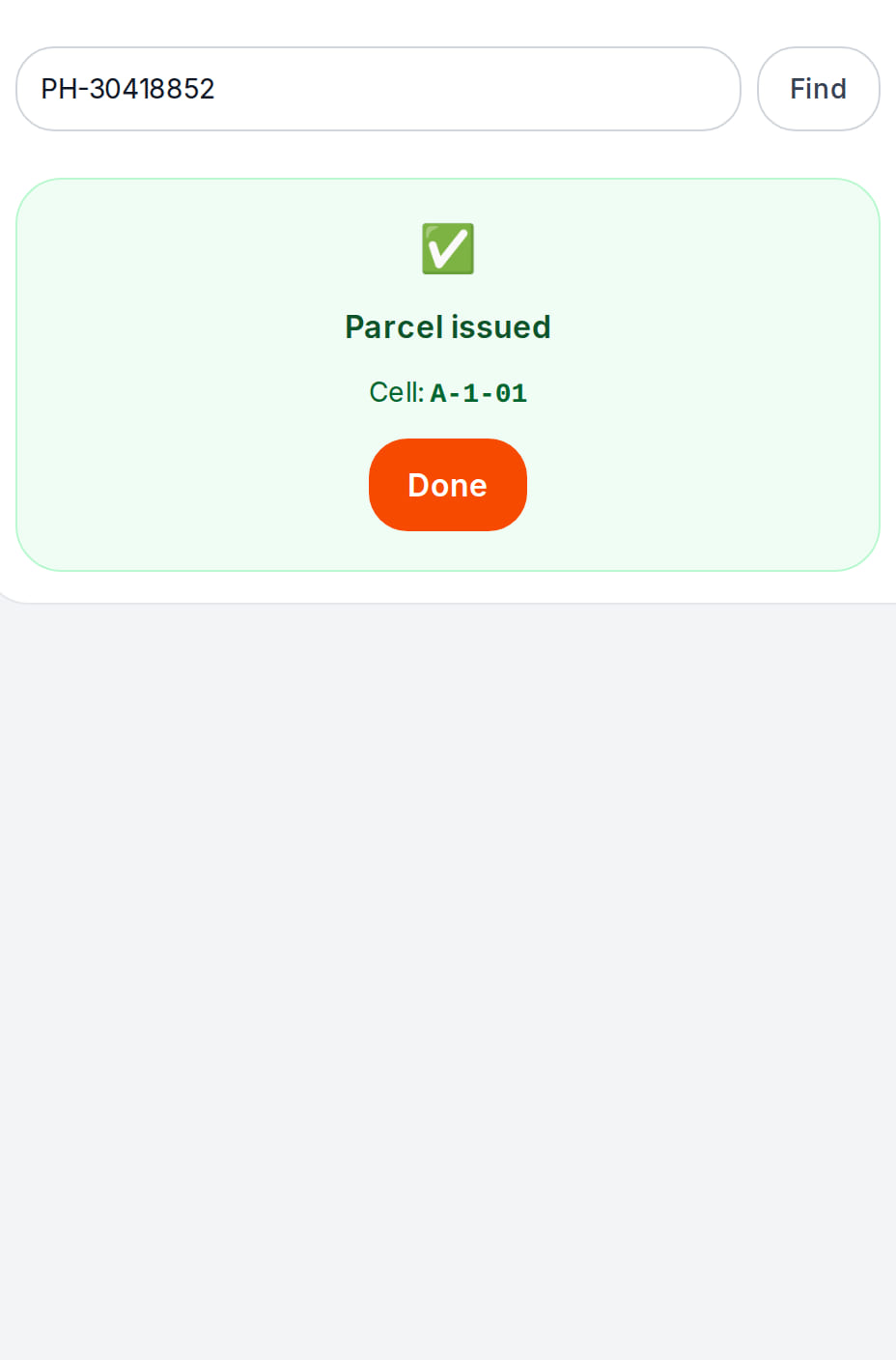
A scanned handover frees the cell at once and stays in the parcel history What happens in the recording


Test a parcel before the first shift
A workflow based on the Parcels section, not proof of hardware compatibility or carrier integration.
- 1
Received and stored
Enter a test track and recipient. Match the assigned cell to its shelf and complete intake.
Intake checklist → - 2
Found and verified the recipient
Another staff member finds the parcel, verifies the recipient and scans the actual parcel. There is no partial handover — only the whole parcel.
Handover checks → - 3
Issued and reconciled
Confirm COD payment where needed. Check the status and carrier settlement amount; COD is not shop revenue.
Carrier settlements →
How it works in practice
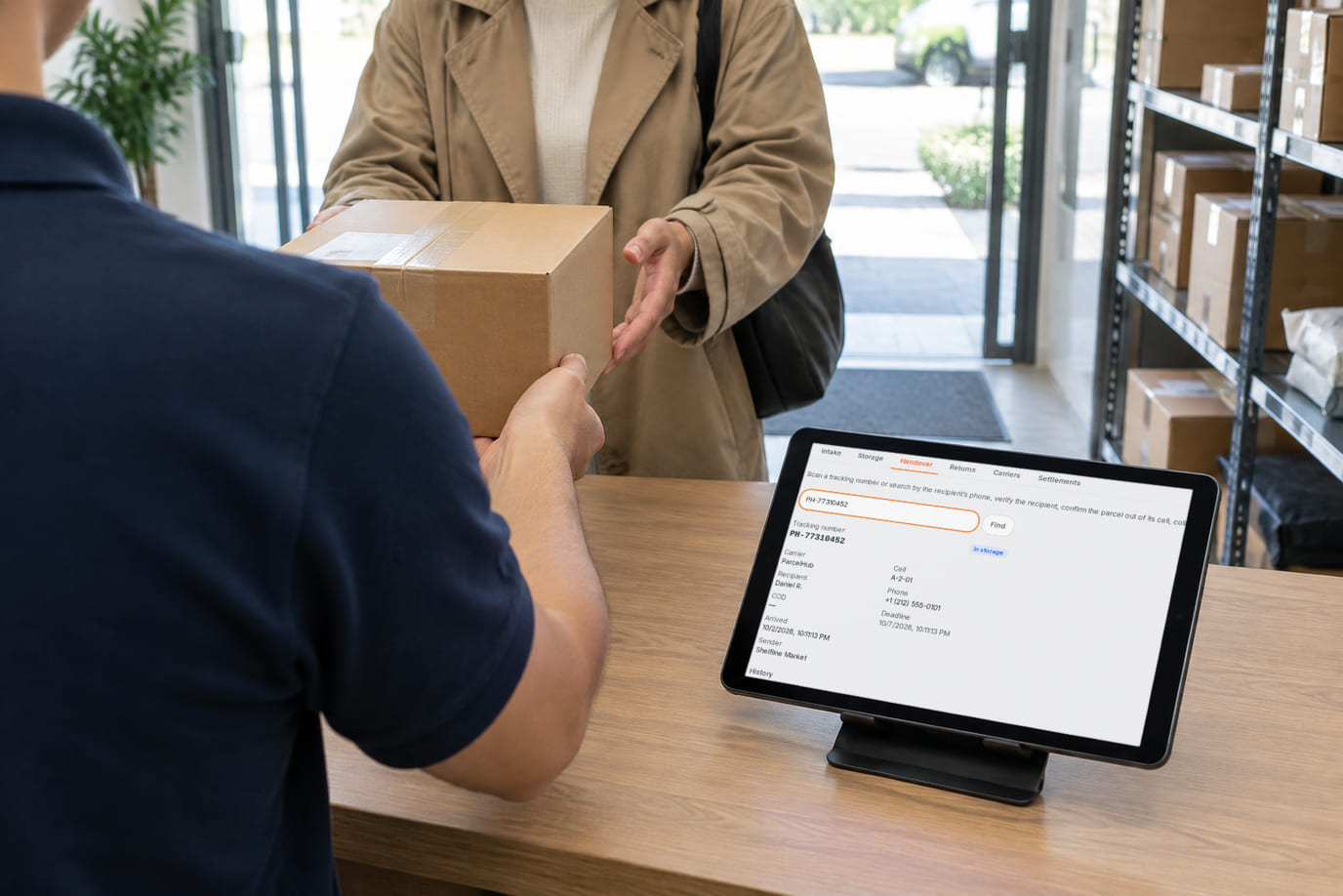
Illustration. Parcels are handed over at the counter, checked against the tablet screen 
Illustration. Rack cells are the storage addresses of parcels


Where it helps the owner
One carrier
Example: import a small batch and match received parcels to the manifest.
Several carriers
Example: configure deadlines and rules per carrier, then reconcile their COD and fees separately.
A point inside a shop
Example: parcels and sales share a counter. Measure search and handover time while keeping transit funds separate.
Example situations. Measure time and costs with your own operations.
Budget per parcel handled
Budget per parcel handled
An account subscription with limits for locations, devices, items, orders and languages. Equipment, acquiring and paid AI operations may cost extra.
Self-service paid-plan checkout is currently unavailable on .ru. Registration does not activate paid features.
Point costs and settlements
- Account subscription with plan limits; brand prices are linked below
- Devices, labels, payment processing and notifications have separate costs
- Carrier compensation follows your agreement
- Example unit economics: compensation minus staff time, storage, supplies and payment fees
Before choosing a plan
Start account setup, then check your plan for the point, POS and staff. Complete handover with hardware is not promised as free.
Open a pickup-point accountNo card to register. Choose Pickup point and prepare your carrier and storage cells.
What to consider before you start
- No partial purchase or return: handle the whole parcel.
- Connections to every carrier system are not promised; start with files, scans or announce API.
- Registration does not provide a franchise, carrier contract, parcel volume or guaranteed income.
- On .ru, recipient notifications use email; SMS is unavailable.
- Online payment is not offered on .ru. Test payment at the counter; paid-plan checkout is unavailable.
Test your workflow and required connections before migrating data.
Frequently asked questions
Can it work inside a shop?
Yes. Configure the pickup point and enable shop sections separately. Keep carrier transit funds separate from sales.
Must I connect a carrier API first?
No. Start with a scan or tested manifest file. Check each file format and integration before daily use.
Does a matching tracking number mean the parcel was handed over?
No. A matching scan confirms you have the right parcel. Recipient verification, cash on delivery and final handover confirmation are separate steps, depending on your point’s rules. Once handover is confirmed, the parcel is marked as issued at once, its cell is freed, and the handover stays in the parcel history.
Details for every screen are in the help centre. Where to start →
Test one intake and one handover
Configure a carrier and cell, then walk through a test parcel with staff before migrating current stock.
No card to register. Choose Pickup point and prepare your carrier and storage cells.