A team without spreadsheets or paper timesheets
Schedule, timesheet and payroll from the same shifts
Add your staff with access by job role and publish the schedule — people clock in and out on site, and closed shifts flow into the timesheet and into payroll together with tips.
No card required. Paid plans are chosen in the admin — signing up does not start one.
- Job roles with per-section access: view, edit, configure
- Shift schedule, swaps and time off, on-site clock-in
- Planned-vs-actual timesheet and payroll with tips
Who it is for
The module is the same — wording and defaults follow your business type.
Restaurant
Floor and kitchen shifts, tips pooled by hours, clearance to work after training.
Café and coffee shop
A small team: a weekly schedule, clock-in from a phone, payroll without spreadsheets.
Retail shop
Sales staff and storekeepers with per-section access, shifts by store, labor cost against sales.
Salon and barbershop
Stylists in the schedule and timesheet even without a login; salary, hours or commission in one payroll.
What the Staff section does
Team and access
- Staff with or without a login
Whoever needs to sign in gets their own login; frontline staff can be added without one and still appear in the schedule, timesheet and payroll.
- Job roles and permissions
Ready presets for each business type plus your own roles; each section has three levels — view, edit, configure.
- Cashier PIN and code sign-in
Quick cashier switching on a shared terminal, approvals for restricted actions and tablet sign-in with a device code.
Scheduling and time tracking
- Shift schedule
A weekly grid, templates and copying last week; staff are notified when it is published, and rest-rule violations show right in the grid.
- Swaps and time off
An employee offers a shift to a colleague or requests time off, a manager approves — the schedule updates itself.
- On-site clock-in
From a phone within the location or only from a venue terminal: a PIN on a tablet or a QR code on a monitor. The server sets the time.
- Planned-vs-actual timesheet
Late arrivals, no-shows and unscheduled shifts; with auto-close on, a forgotten shift closes at the scheduled end and stays flagged until confirmed.
Payroll and labor cost
- Monthly payroll
Hours × rate, salary, commission and overtime; draft → approved → paid, with a PDF payslip.
- Tips in payroll
Straight to the employee, pooled by hours worked or weighted by job role.
- Taxes by country rules
Ready packs for Georgia, Albania, Russia, Türkiye and Kazakhstan; elsewhere you set taxes with your own rules.
- Labor cost
Payroll as a share of the location’s sales and sales per labor hour — planned against actual.
HR records and training
- Personnel file
Documents, health certificate with the next check-up date, contract and scans in the employee’s card, plus issued equipment.
- Required documents by country
A registry by the rules of post-Soviet countries: valid, expiring, overdue — with a link to the law.
- Training and clearance
Short lessons built from your own procedures and an exam per process; the owner sees who is ready for a shift.
- First-day checklist
When someone is hired, an onboarding checklist for their role appears on the task board — from your template.
Step-by-step guides — Help article →
What it looks like in the product
Clock-in
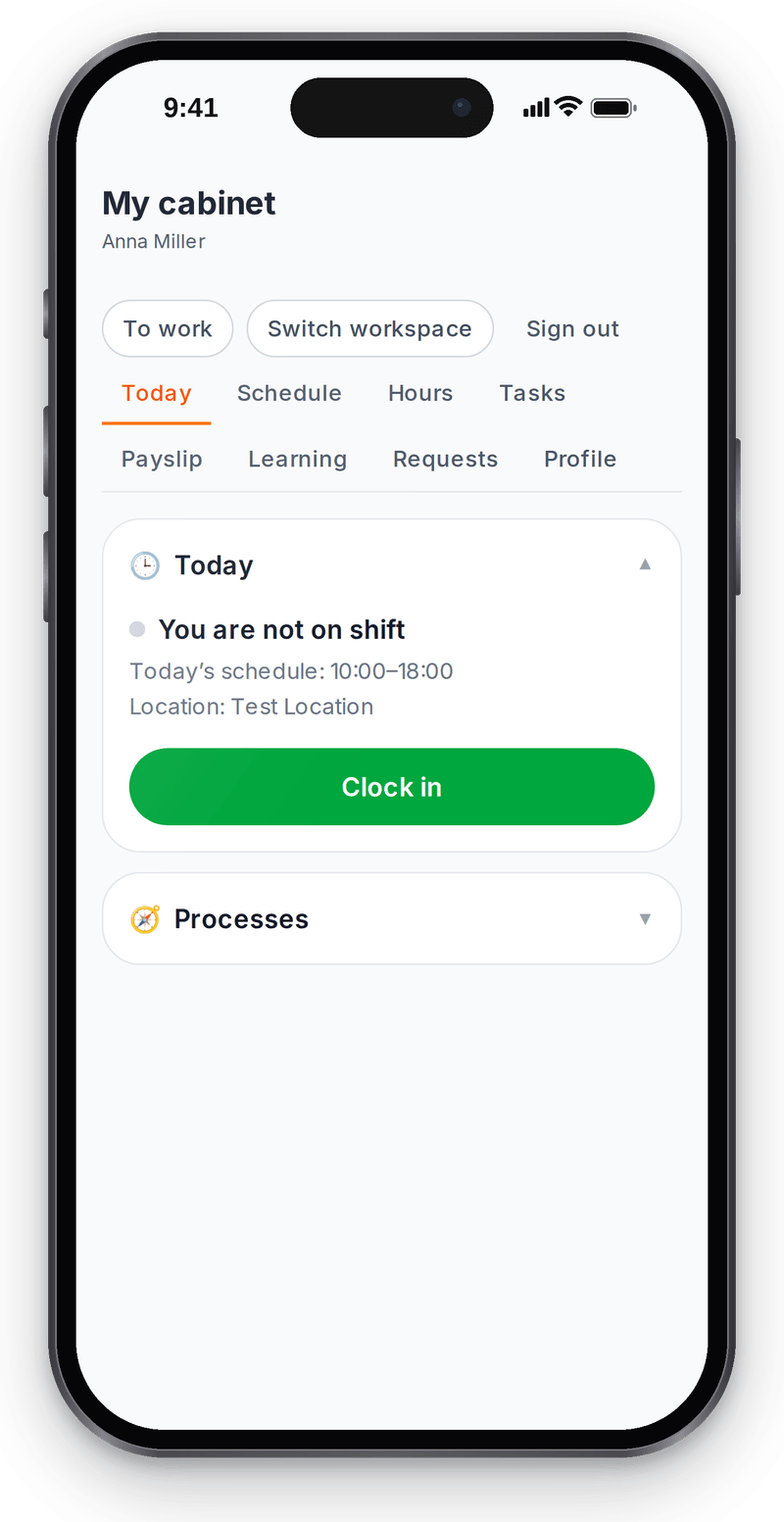
Staff clock in themselves; the server sets the time My schedule
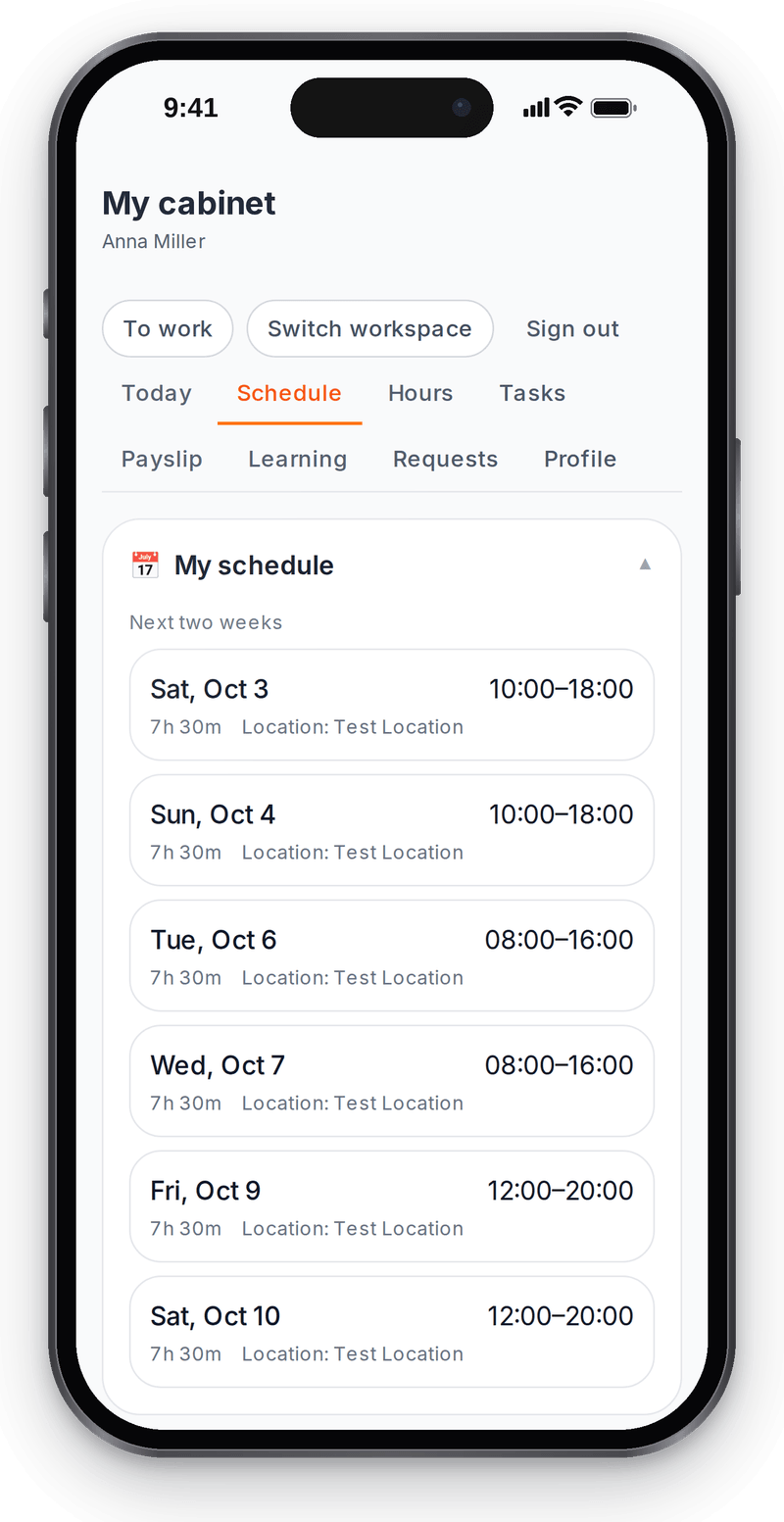
A published schedule shows up for staff right away


Roles and access
View full size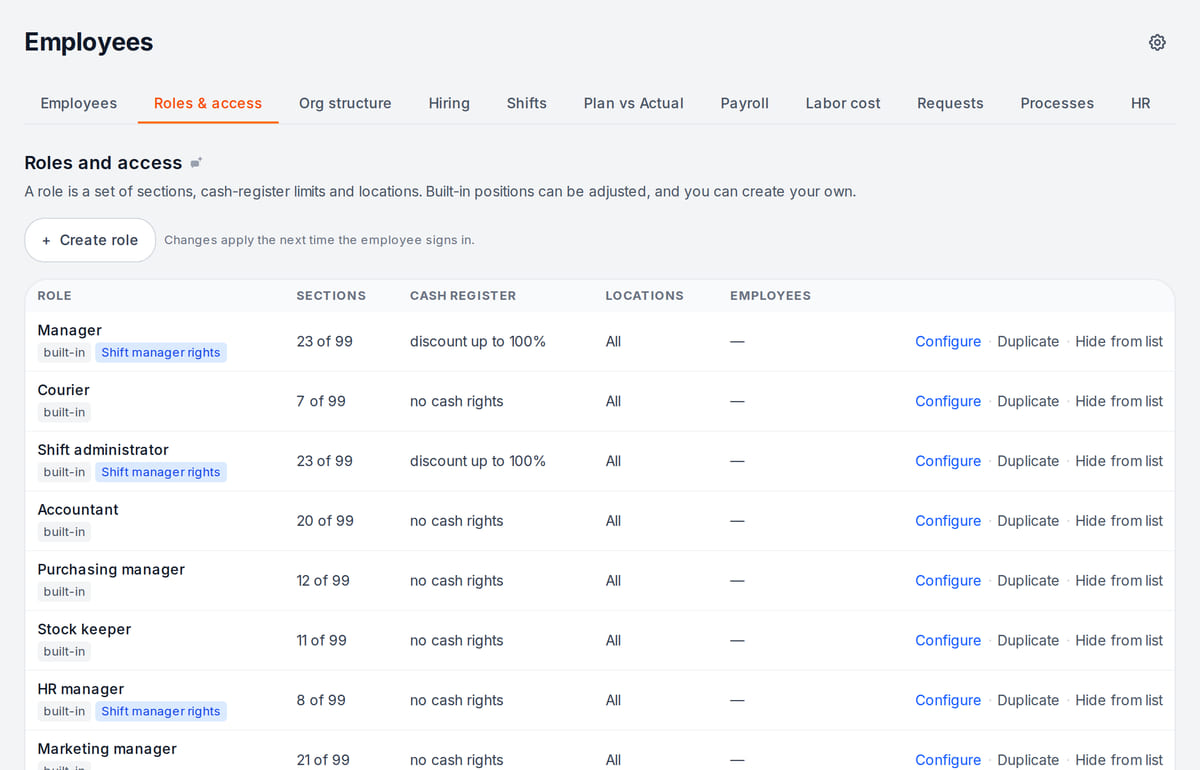
Access by job role, not person by person

How it works in practice
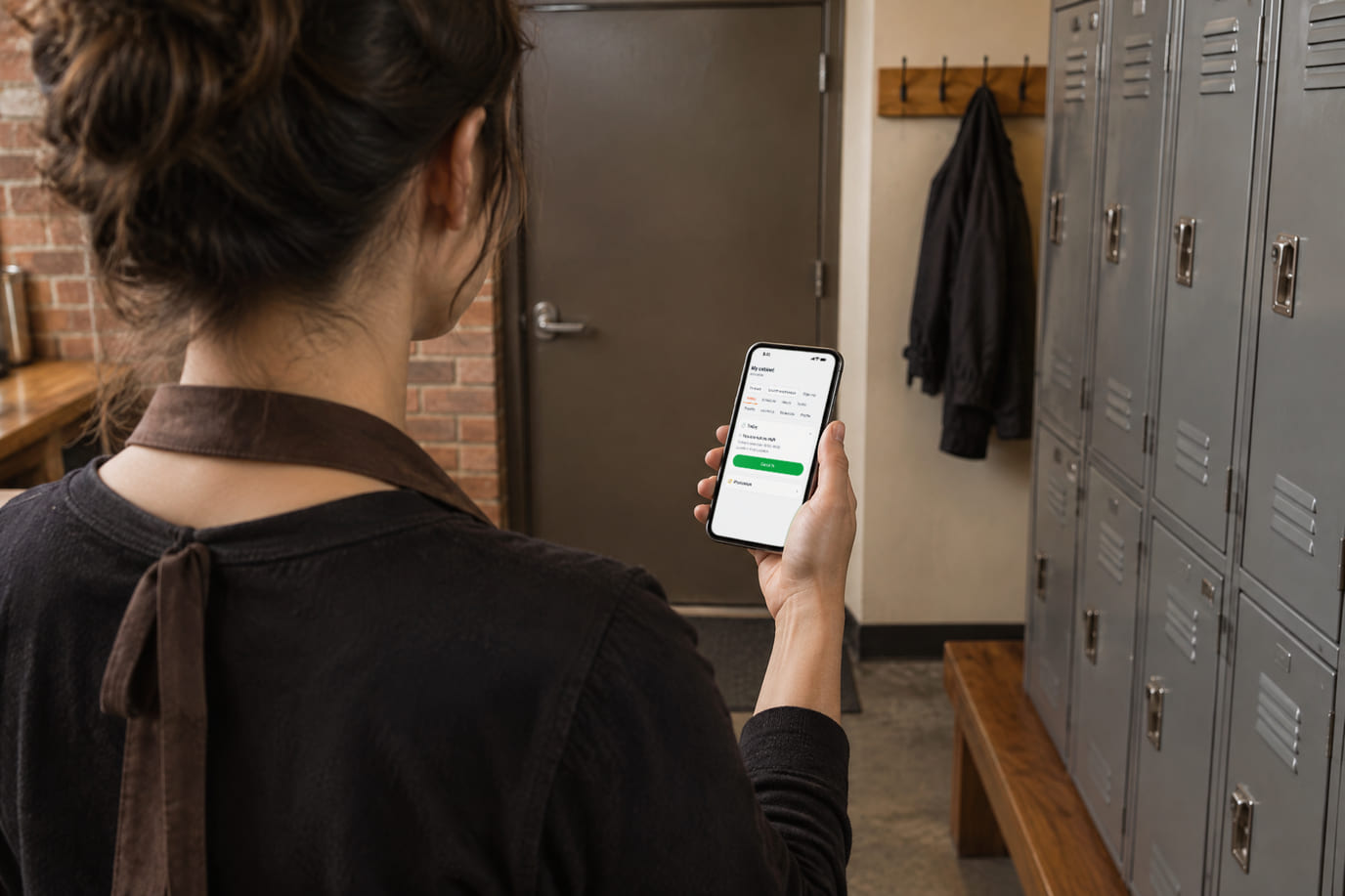
Illustration. Clock-in from the phone at the staff entrance 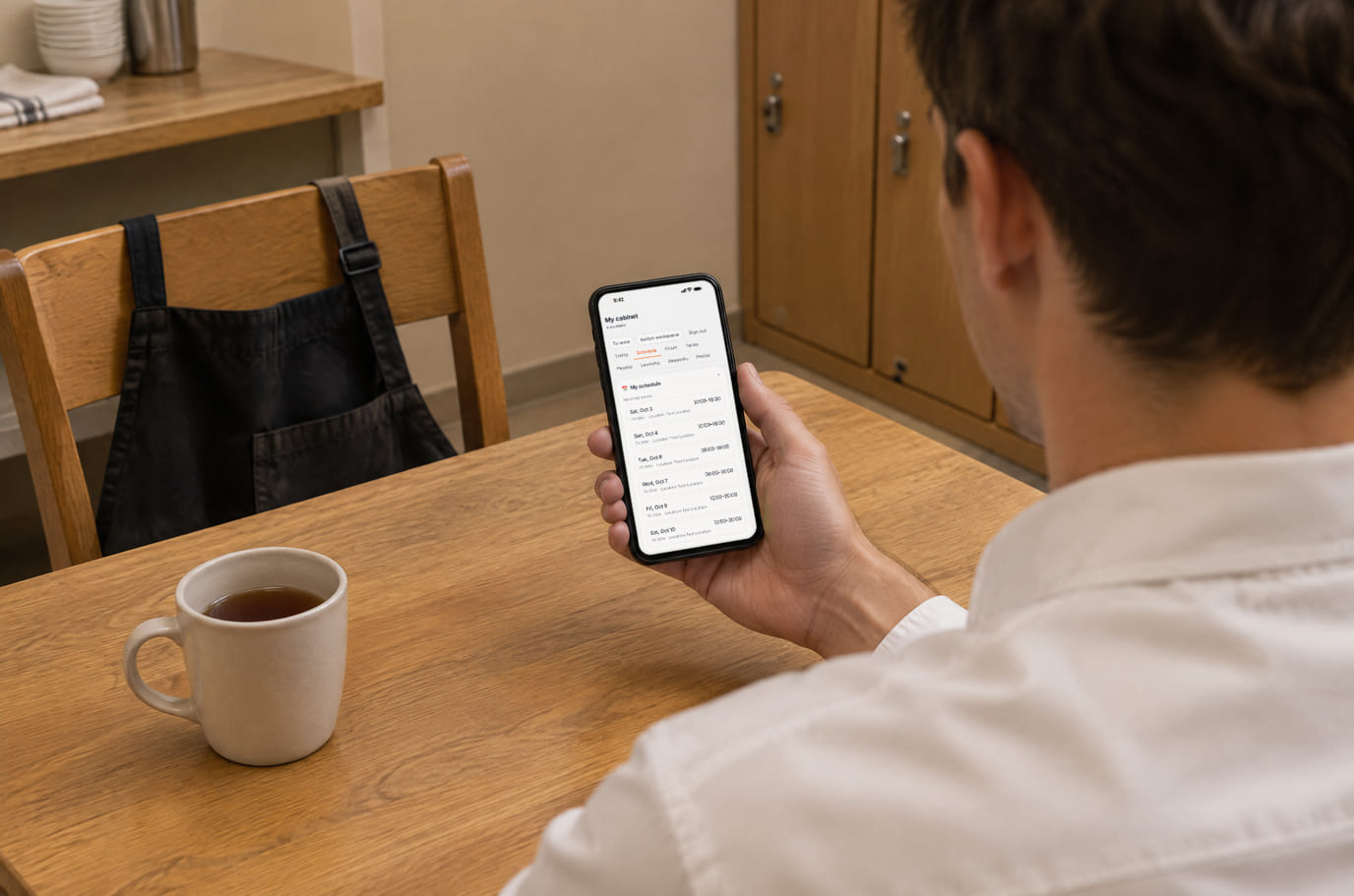
Illustration. The two-week schedule is on the phone, not on a board by the kitchen


Built as one system
Modules share one menu, one order flow and one shift — no exports between programs.
Team chat and tasks
Assignee, deadline and completion evidence remain on the board after the conversation moves on.
Team knowledge and training
Procedures, document-based answers and training with separate theory and practice checks.
POS
A web POS on a tablet or computer: table, bar and counter modes, shifts with X/Z reports, refunds and PIN control.
Business finances
Sales, purchases and manual expenses — a simplified P&L with source reconciliation.
Pricing
Available from the plan
Free
₽0
Priced per account; the plan sets location, device and order limits.
Good to know
- The Staff section is part of the paid plans; the free plan does not include it
- You pay wages and taxes yourself through your bank — Cenaly.ru only calculates them
- Bookkeeping and filing returns are not included in the price
Start for free
A free account with one location: build your menu and test the workflow before choosing a plan.
Start for freeHonest limits
- Payroll is management-level: postings and report forms are prepared as data for your accountant; you cannot file them with the authorities directly from Cenaly.ru.
- Ready tax packs exist for five countries — Georgia, Albania, Russia, Türkiye and Kazakhstan; elsewhere taxes and contributions are set up manually.
- The view / edit / configure levels cover the ten main sections so far; restricting an employee to specific locations does not take effect yet.
- HR records of employees in Russia are kept only on the Russian cloud (cenaly.ru); the HR records module is not available for Kazakhstan.
- There is no hiring module (job posts, applicants) and no biometric sign-in.
- The payroll, roles and HR records screens are still complex — they are built for an HR specialist rather than an owner.
- Automatic timesheets from device presence and filling HR records from a document scan are not available on cenaly.ru — clock-ins and data are entered manually.
- Export to 1C:ZUP is not finished yet — do not build your process around it.
Test your workflow on a free account before buying hardware.
FAQ
Does every employee need a login?
No. A login is for people who work in the admin panel or on the POS under their own name. Stylists and frontline staff can be added without one — they still appear in the schedule, timesheet and payroll.
How do employees clock in and out?
With a button in their personal cabinet on a phone, or at a venue terminal — a PIN on a tablet or a QR code on a monitor. You can require clocking in on site only: by geolocation or from the terminal only. The server sets the time, so it cannot be faked from a device.
Does Cenaly.ru calculate Russian income tax and contributions?
Yes, with the Russia pack — rates, thresholds and year-to-date totals. Data for 6-NDFL, RSV and personalized reports is prepared from the approved payroll as material for your accountant; there is no ready filing to the tax service from Cenaly.ru.
Where are HR records stored?
HR records of employees in Russia are written only to the Russian cloud, as personal data localization requires. Document scans are kept in the employee’s card; on cenaly.ru fields from a scan are entered manually.
Can a waiter see finances and payroll?
No. The job role sets the sections: a waiter sees orders and the POS, while payroll and labor cost are owner-only. Employees see their own payslips in their personal cabinet once payroll is approved.
How are tips split?
You set the policy in payroll settings: straight to the employee, pooled by hours worked, or pooled with job-role weights. The split goes into the monthly payroll.
How much does it cost?
Staff, scheduling and payroll come with a paid plan — which one is shown below. Paid plans cannot be purchased on cenaly.ru yet: prices are for reference, and you can create a free account.
Step-by-step guides — Help article →
Build next week’s schedule
Create an account, add two or three people with their job roles and publish your first week of shifts.
No card required. Paid plans are chosen in the admin — signing up does not start one.